

base_url, a token, and a
status. Worldsmith creates one per service in a world; you can also create a
standalone twin.
Use a configured SDK client.
The examples share that client and the IDs returned by earlier steps.
Methods
Connect an agent to a twin
Use the world ID returned by Worlds. Read the world, pick the twin, and configure your existing vendor client with its URL and token. The vendor paths are unchanged: Slack under/api/, Linear at /graphql,
Salesforce under /services/data/, SAP under /sap/opu/odata/.
Python
slack_base_url and its credential to
slack_token (using your language’s variable naming). Other services work the
same way: change the endpoint and credential in the existing tool integration,
then use IDs returned by that twin. Do not log the token.
Explore the connected service records
to see the issue, order, case, and channel your tools will work with.
In an evaluation you don’t do this yourself. Chronicle creates fresh twins
for each trial and passes their URLs and tokens to your agent as environment
variables. See Connect your agent.
Read what happened
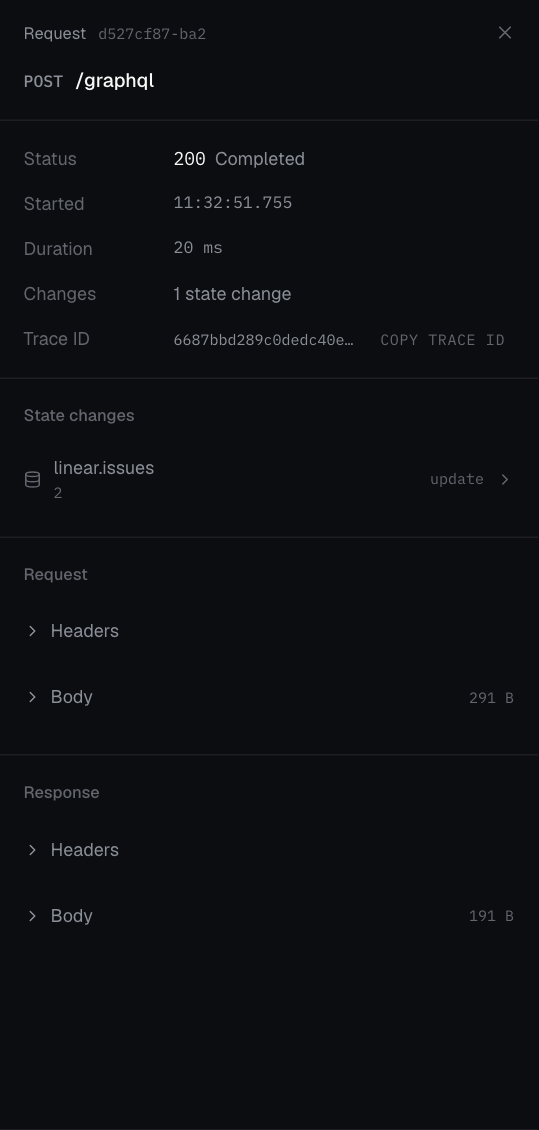
Every request to a twin is recorded. The list gives you a summary per request; the detail gives you the full request, response, and every record that changed with before and after values.Python
truncated: true. For all
twins in a world at once, use worlds.activity.list(world_id).
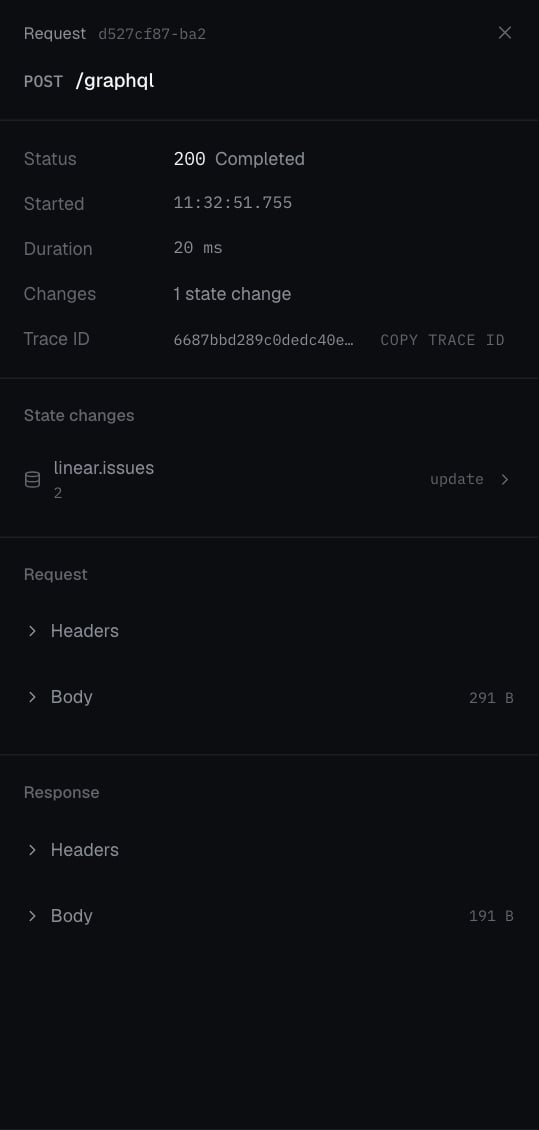
A recorded Linear POST /graphql request changed one issue. Open that change to inspect the affected fields.
Reset or stop
Choose one action: reset restores the seed; stop ends the runtime.Python
provisioning again; twins.wait blocks
until it’s running, then re-read base_url before reconnecting. Twins also
stop on their own when ttl_hours runs out.
Create a standalone twin
For one service on its own, including Gmail, Google Sheets, or ModMed, which Worldsmith doesn’t author:Python